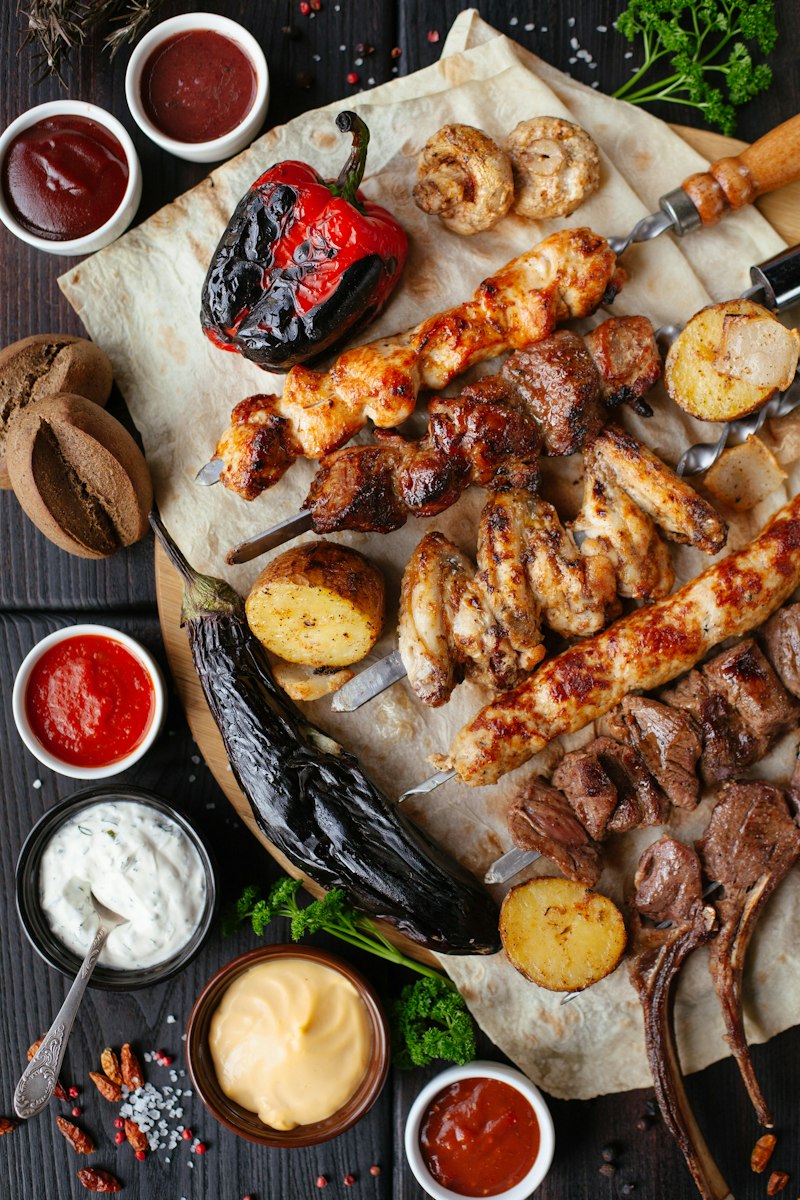
This is the flagship tool for serious BBQ cooks. Add up to 5 different cuts, set your serve time, and the planner calculates when to start each cut so everything finishes together. The visual timeline shows every cooking phase for every cut, aligned on the same time axis. You will know exactly when to light the fire, when to add each meat, when to wrap, and when to pull. No more mental math at 2 AM while tending a smoker. Enter your cook, save it to your browser, and reference it throughout the day.
Plan Your Cook
How It Works
The planner uses backwards scheduling from your serve time. For each cut you add, it calculates the total time needed: cooking time (based on cut type, weight, temperature, and wrap method) plus rest time plus 30 minutes for smoker warmup. It then subtracts this total from your serve time to determine the start time. The visual timeline displays all cuts on a shared time axis, with colored bars showing each cooking phase: prep, smoke, stall (for applicable cuts), wrap, and rest. The earliest start time becomes your "light the fire" time. Save your plan to your browser and pull it up at the smoker.
When to Use This Planner
Use the multi-cut planner whenever you are cooking two or more different meats for the same meal. It is essential for BBQ parties, holiday cookouts, competition prep, and any event where timing matters. Even experienced pitmasters benefit from having the math done precisely, especially when fatigue sets in during early morning cook sessions. The saved plan feature lets you reference your timeline at any point during the cook.
Frequently Asked Questions
How do I schedule multiple meats for the same serve time?
The key is backwards scheduling. Start with your serve time and work backwards for each cut. Subtract the rest time and cook time from the serve time to get each start time. Brisket starts first because it takes the longest. Chicken goes on last. Our planner automates this calculation for up to 5 cuts simultaneously, giving you a clear timeline showing exactly when to place each cut on the smoker.
Can I smoke different meats at the same temperature?
Yes. Most BBQ meats cook well at 225-250F, so running a single smoker at one temperature for all cuts works perfectly. The difference is cook duration, not temperature. Brisket takes 12-18 hours, ribs take 5-6 hours, and chicken takes 2-3 hours at the same 225F. The exception is poultry, which benefits from higher temperatures (275F+) for crispier skin.
What is the best order to add meats to the smoker?
Start with the longest-cooking cuts first. For a typical multi-cut cook, the order is: brisket first (12-18 hours before serve), then pork butt (10-14 hours), then ribs (5-6 hours), and chicken last (2-3 hours). This natural staggering means you are only adding meats, never removing and holding for long periods.
How do I hold finished meats while waiting for others?
The faux cambro method works excellently. Wrap the finished meat in butcher paper, then in towels, and place it in a preheated insulated cooler. Meat can hold safely above 140F for 4+ hours this way. Pour a gallon of boiling water into the cooler 30 minutes before use to preheat it, then dump the water and add the wrapped meat.
What if one cut finishes early or late?
Build a 1-2 hour buffer into your schedule. If a cut finishes early, hold it in a faux cambro (insulated cooler with towels). If a cut is running late, consider increasing the smoker temperature by 25F or wrapping the meat to accelerate cooking. BBQ is inherently variable, and flexibility is part of the craft.